2.37
Notion 2.37: Notion Calendar
Manage time and tasks together
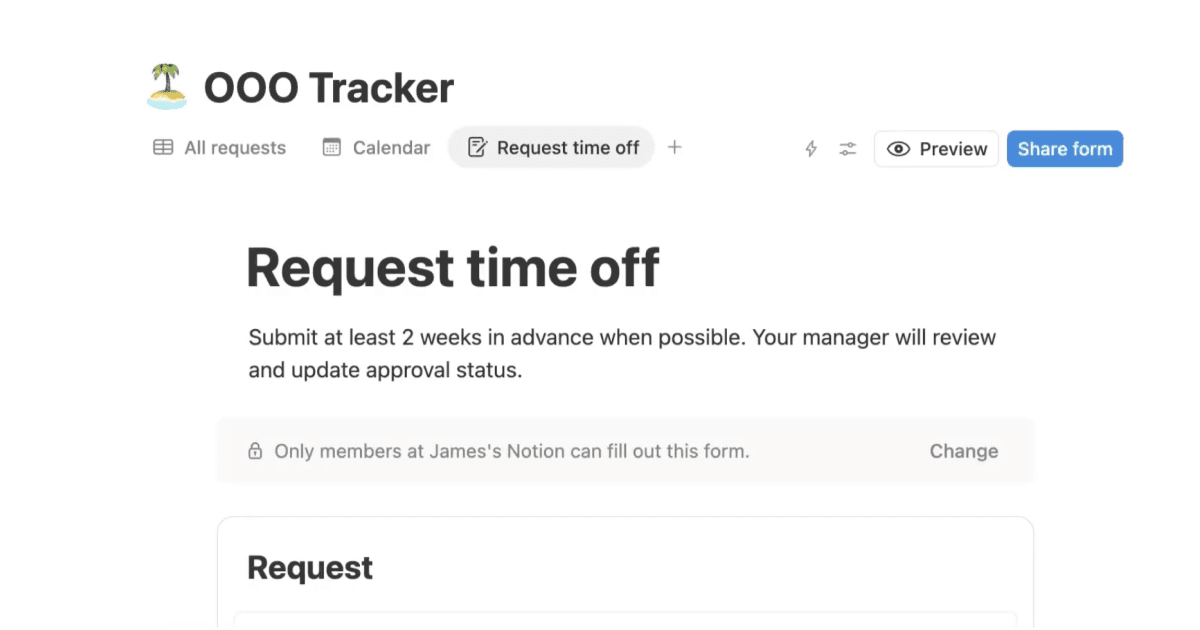
Sync Notion databases to view and update your deadlines and timelines alongside your calendar events.
Xem các cơ sở dữ liệu Notion ngay trong giao diện quen thuộc của lịch.
Connect and create Notion docs
No more meetings without context or a place to take notes.
Kết nối các sự kiện với các trang Notion, sau đó mở chúng chỉ bằng một cú nhấp chuột.
Work and personal events in one place
Connect multiple Google accounts to manage all your events in one place and avoid conflicts.
Nếu bạn quản lý thời gian của mình trên hai lịch, ví dụ như lịch công việc và lịch cá nhân, hãy sử dụng tính năng chặn sự kiện để tự động chặn thời gian trên mỗi lịch.
A built-in scheduling tool
No need for a separate scheduling tool. Share your availability and allow others to book time.
Sử dụng phím tắt "S" để nhanh chóng chia sẻ lịch trống với người khác.
Other great Notion Calendar features:
Download the desktop app to see your schedule, join meetings, and open attachments all from your computer’s menu bar.
View your schedule across multiple time zones.
Use command menu and shortcuts to work faster.
Integrate with Zoom, Google Meet, and other providers.